

This release saw contributions from some new people, which is great to see.
In this release you can now follow other people, not just join communities. When you follow someone their posts will show up in your ‘Subscribed’ feed, regardless of whether you have joined the community it was posted in or not.
You can also follow Mastodon+ accounts. Getting Mastodon integration working really well is going to be a long journey but this release gets us headed in that direction. Eventually I hope that this integration will provide a steady source of timely content to cross-post into threadiverse communities as well as being a peer citizen in the Mastodon-flavored parts of the fediverse.
New:
- You can follow other users and their posts will always show up in your ‘Subscribed’ feed, regardless of the community they were posted into. Following Mastodon users works also but should be considered as very experimental. This will improve soon.
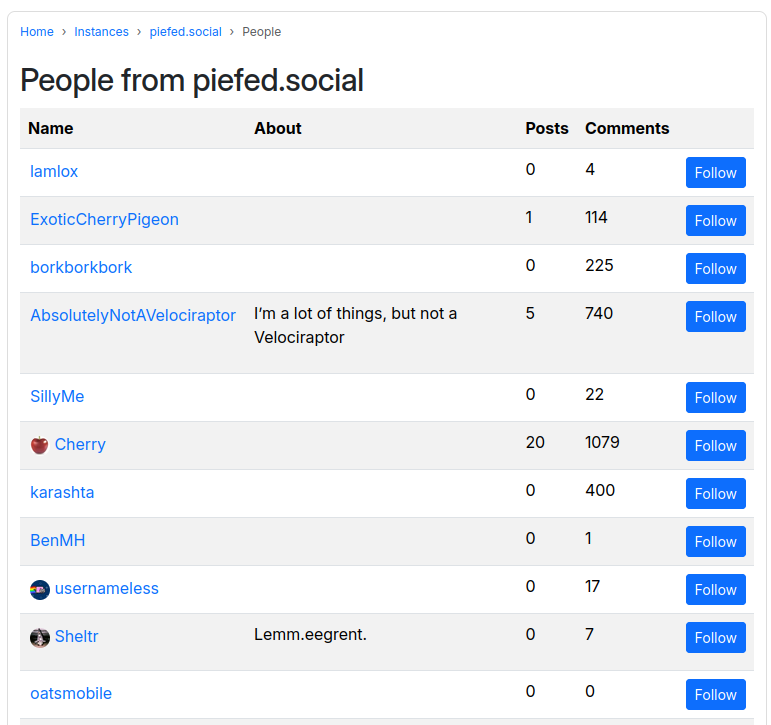
In the future you will be able to upload a list of people that you exported from your mastodon profile and follow them in one go. And add people that your instance doesn’t already know about – but not yet. These features will be rolled out in future versions once the dust settles on this version.
- Mastodon posts have a new design that is distinct from threadiverse posts – there is no post title and larger author profile pic.
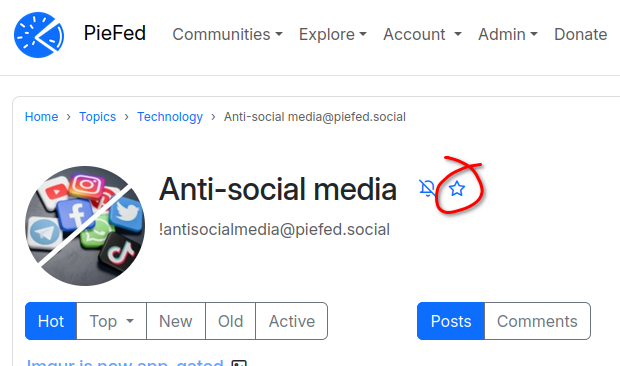
- Communities can be marked as being a favorite, which makes them more prominent in the ‘Communities’ menu.
- Clicking anywhere in a post teaser takes you to the teaser – you don’t need to aim for the title
- Dramatically improved page load times on Chrome-based browsers (Speculation Rules API).
- Little spinner thing while a vote is being cast
- Updated translations
- Preview markdown when editing a wiki page
- RSS feeds on the home page, including a feed of posts from your subscribed communities
- Topic selection during onboarding looks way nicer now.
- Accessibility improvements to headers.
For Developers:
- Massive CSS reorganisation by travis-jeans. Lots more usage of CSS variables. Improves maintenance and accessibility.
- API: Users can now log out
- API: Follow and unfollow users
- API: video file upload works now
For Instance Admins:
- Communities where every moderator is a bot or inactive are flagged as un-moderated. Reports about posts in un-moderated local communities go to admins.
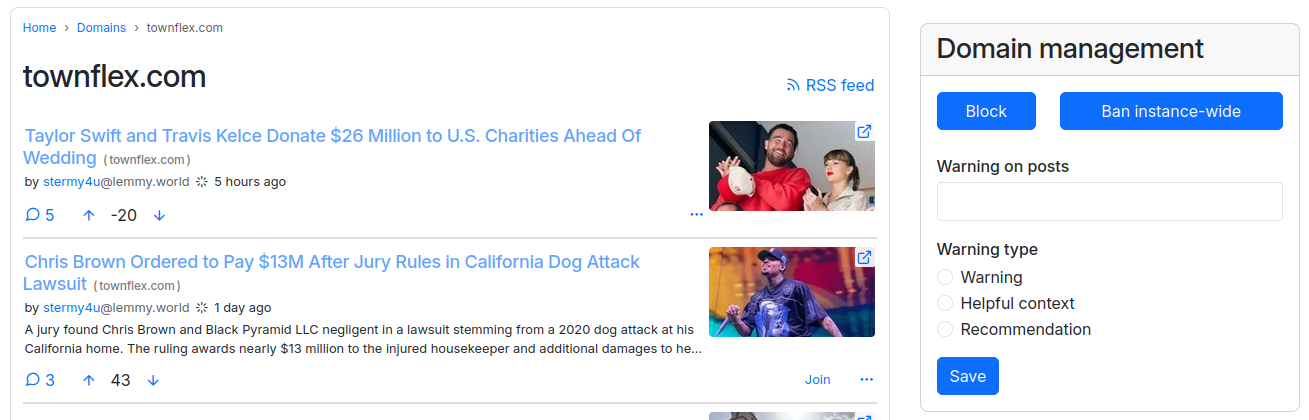
- Warnings on domains can be 3 types instead of only a warning – the other two are ‘helpful context’ and ‘recommendation’
- Send a DM to a user asking them if they are a bot, with 1 click. If they do not respond their account is automatically flagged as a bot
- Email bounce inbox can now be accessed through POP3, not just IMAP
- Tokens used by mobile apps can be set to expire, using the JWT_EXPIRY_DAYS environment variable
- More accurate tracking of when a user was last active. This will significantly increase your MAU stats.
- Strict allowlist mode to reduce attack surface exposed by federation
- /admin/federation form split up into 3 separate pages rather than one long confusing page.
- Option to disable DM sending for individual users if they lack the self-control to use it responsibly.
- compose.yaml has changed a bit: For most containers the build target is now “runtime’ instead of ‘builder’.
For example
  celery:
    build:
      context: .
      target: runtime
- Topics can be associated with countries, for more targeted onboarding suggestions based on the viewer’s location.
- To reduce server load and network traffic, a maximum number of votes that can be cast each day has been set at a level that will only affect the top 2% of voters, leaving the bottom 98% unaffected. This quota can be altered with an environment variable. View a profile to see how much of their daily quota has been used.
To upgrade from 1.6.x
git pull
git checkout v1.7.x
At this point you might see an error message about a merge conflict with compose.yaml. To preserve your custom compose.yaml you will need to copy it somewhere else, then git checkout compose.yaml then git pull again (or use git’s stash feature). This time the pull will succeed so after that copy your custom compose.yaml it back, overwriting the one from git.
Then,
./deploy.sh or ./deploy-docker.sh
If you had to do the compose.yaml fix up earlier then you might want to compare what you have with https://codeberg.org/rimu/pyfedi/src/branch/main/compose.yaml and manually copy and paste some improvements in particular the target: part of the db container.
Donations
PieFed is free and open-source software while operating without any advertising, monetization, or reliance on venture capital. Your donations are vital in supporting the PieFed development effort, allowing us to expand and enhance PieFed with new features.